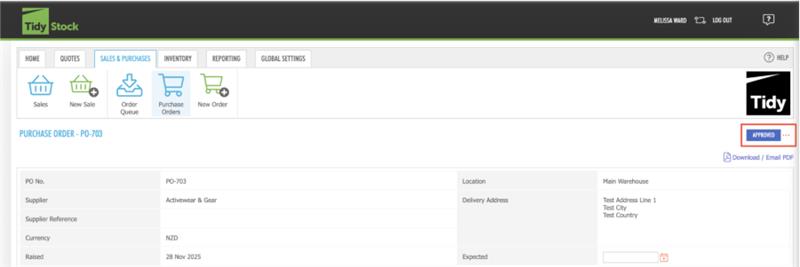
If you have saved the Purchase Order as "Approved" then to change it back to the Draft status, simply go into the view mode of your PO and click the "..." next to Approved on the right-hand side:
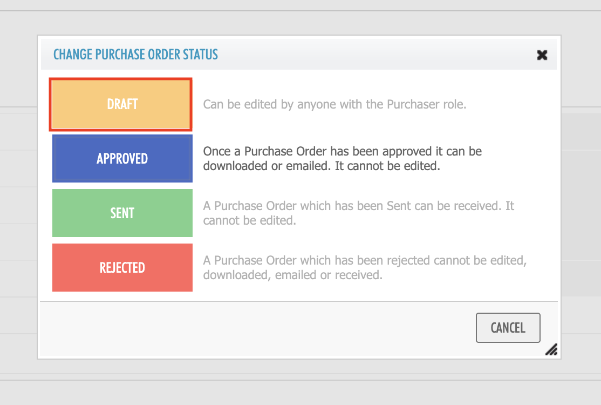
Then select "Draft" and "Save"
If the PO has been saved as "Sent", please refer to this TidyAcademy guide:
Have a look at similar frequently asked questions or visit our FAQs page for more information


