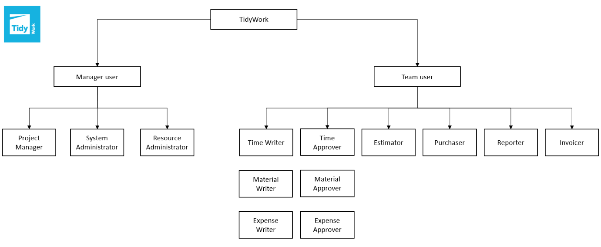
Tidy allows complete control over what areas of the application a user has access to through a variety of different roles. In Tidy, there are two different levels and types of users, this article will help you understand the different user roles and their permissions.
Role
Description
Permission
Project Manager
A user who can set up and manage projects without seeing salary information.
Can see the Projects tab and create projects. They can also edit their own projects and projects for which they are a peer manager. Can perform Actions on Behalf of other application users.
System Administrator
A user who can create, editand delete all company settings, apart from resources
Can see Global settings tab, create and edit settings for Customers, Projects, Departments and more. Cannot see Users rates or hours.
Resource Administrator
A user who can create, editand delete resources and salary information only
Can see Global settings tab, create and edit application users including visibility of user's hours and rates. Ability to specify Actions on Behalf settings for Managers. Note: Assign this role sparingly, as it has full visibility on your company's business and finances, including salary costs.
Time Writer
A user who can write time entries
Can see the Time Entry tab and enter worked time against their allocated Projects and Tasks. Used for anyone who needs to enter Time against Projects.
Material Writer
A user who can write material entries
Can see the Material Entry tab and enter Materials against a Project including marking materials for purchase. Used for anyone who needs to enter Materials against Projects.
Expense Writer
A user who can write expense entries
Can see the Expense Entry tab and enter accrued Expenses against their allocated Projects and Tasks. Used for anyone who needs to enter Expenses against Projects.
Time Approver
A user who can approve the time entered by Time Writers
Can see the Approval tab for Time and can approve, rejectand edit time written by Time Writers.
Material Approver
A user who can approve the time entered by Material Writers
Can see the Approval tab for Materials and can approve, reject and edit materials written by Material Writers.
Expense Approver
A user who can approve the time entered by Expense Writers
Can see the Approval tab for Expenses and can approve, reject and edit expenses written by Expense Writers.
Estimator
A user that can manage quotes
Can estimate and manage quotes.
Purchaser
A user who can create Purchase Orders
Can process Purchase Orders and Receipting.
Reporter
A user who can generate reports
Can see the Reports tab and run reports.
Invoicer
A user who can generate invoices
Can see the Invoicing tab and generate project invoices to screen or Xero. Can enter Xero mapping settings under Global settings tab. Can also generate Purchase Orders.
Permission / Access
System Admin
Resource Admin
Invoicer
Sales Person
Purchaser
Reporter
View Global Settings
✓
✓
✗
✗
✗
✗
Edit Company Settings (Customer, Projects, Departments, etc.)
✓
✗
✗
✗
✗
✗
Create & Edit Users
✗
✓
✗
✗
✗
✗
Access Actions on Behalf
✗
✓
✗
✗
✗
✗
Generate Invoices
✗
✗
✓
✗
✗
✗
Send Invoices to Xero
✗
✗
✓
✗
✗
✗
Configure Xero Mapping Settings
✗
✗
✓
✗
✗
✗
Create Sales
✗
✗
✗
✓
✗
✗
View Sales
✗
✗
✗
✓
✗
✗
View Pricing**
✗
✗
✗
Optional
✗
✗
View Inventory Dashboard**
✗
✗
✗
Optional
✗
✗
Create Purchase Orders
✗
✗
✓
✗
✓
✗
Manage Purchase Orders
✗
✗
✗
✗
✓
✗
Archive Material Items**
✗
✗
✗
✗
Optional
✗
View Reports
✗
✗
✗
✗
✗
✓
Generate Reports
✗
✗
✗
✗
✗
✓
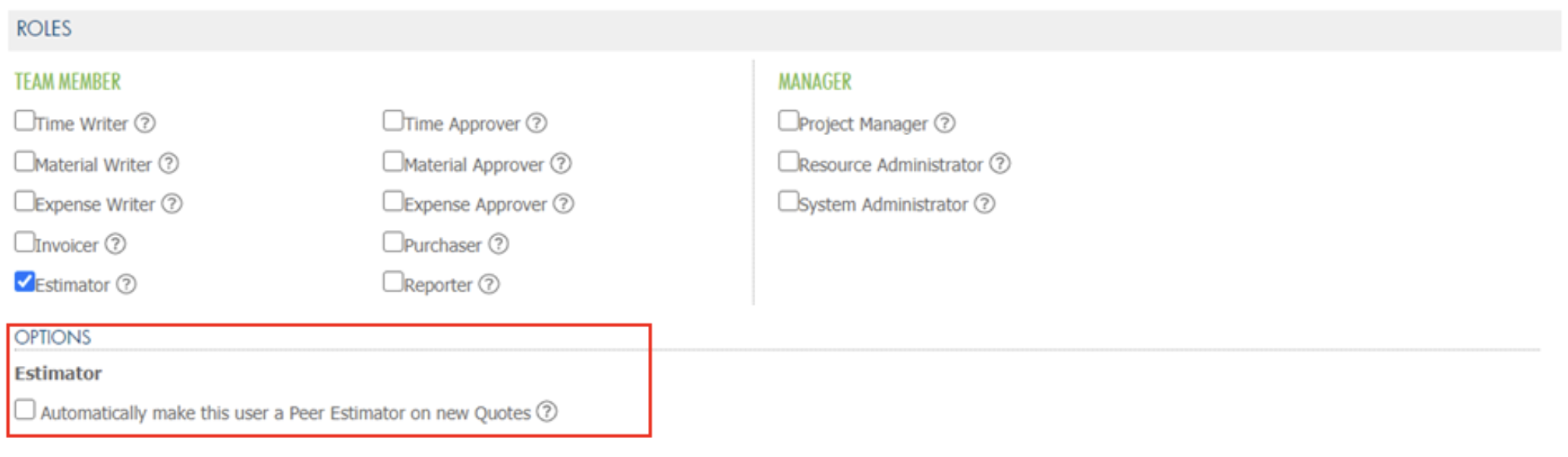
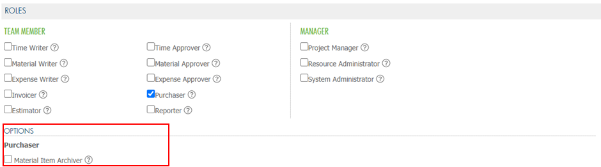
Within some roles, there are options that you can enable specific access:
Project Manager:
Automatically make this user a Peer Manager on new projects: users can be deselected as Peer Manager of an individual project if required.
Can this Manager see profitability?: If enabled, this manager will be permitted to view profitability numbers in reports, dashboard and charts whereas standard managers can only see charge information. Standard managers cannot create project financial adjustments.
Can this Manager perform all Project State changes?: If enabled, this manager will be permitted to save projects to any status, whereas standard managers can only save projects as Proposal, Not Started or In Progress.
Time Writer:
Auto-approval of Time enabled?: If enabled, users Time Entries will not be subject to approval.
Can this user assign themselves to a Project/Task?: If enabled, this user can assign themselves to a Project/Task. Alternatively, Project Managers must explicitly assign this Time Writer to their projects
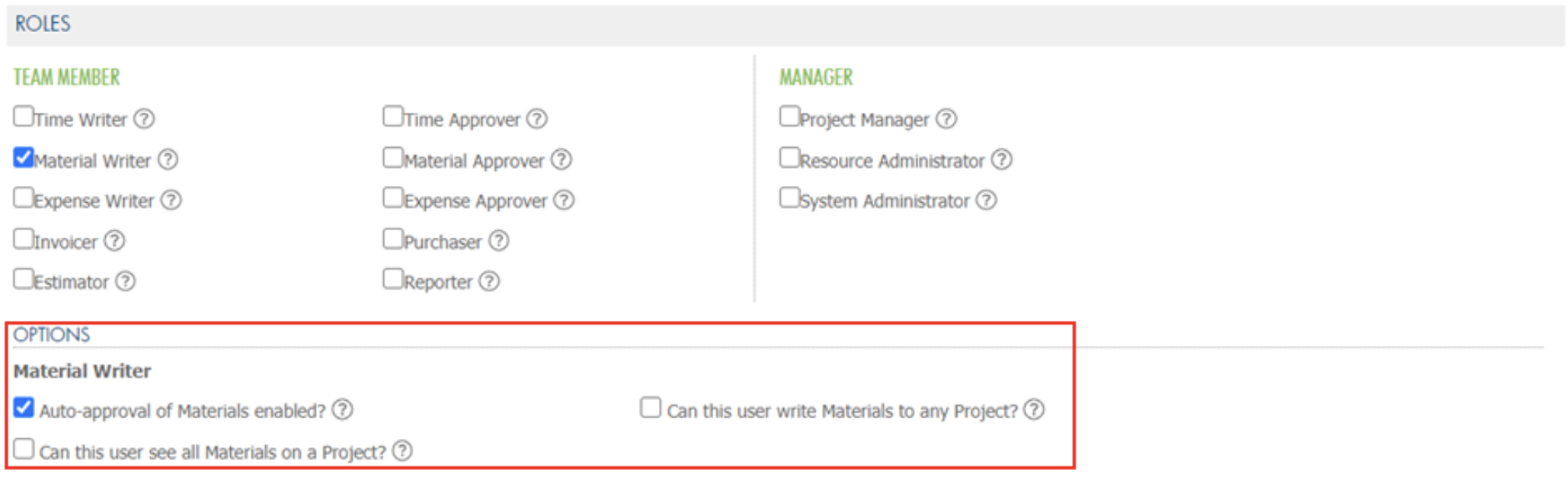
Material Writer:
Auto-approval of Materials enabled?: If enabled, users Materials will not be subject to approvals.
Can this user write Materials to any project?: By enabling this setting, this user will be permitted to write materials to any project in the system, not just those where this user has been assigned as a team member.
Can this user see all Materials on a project?: If enabled, this user will be permitted to view all materials for projects they assigned to on the project console.
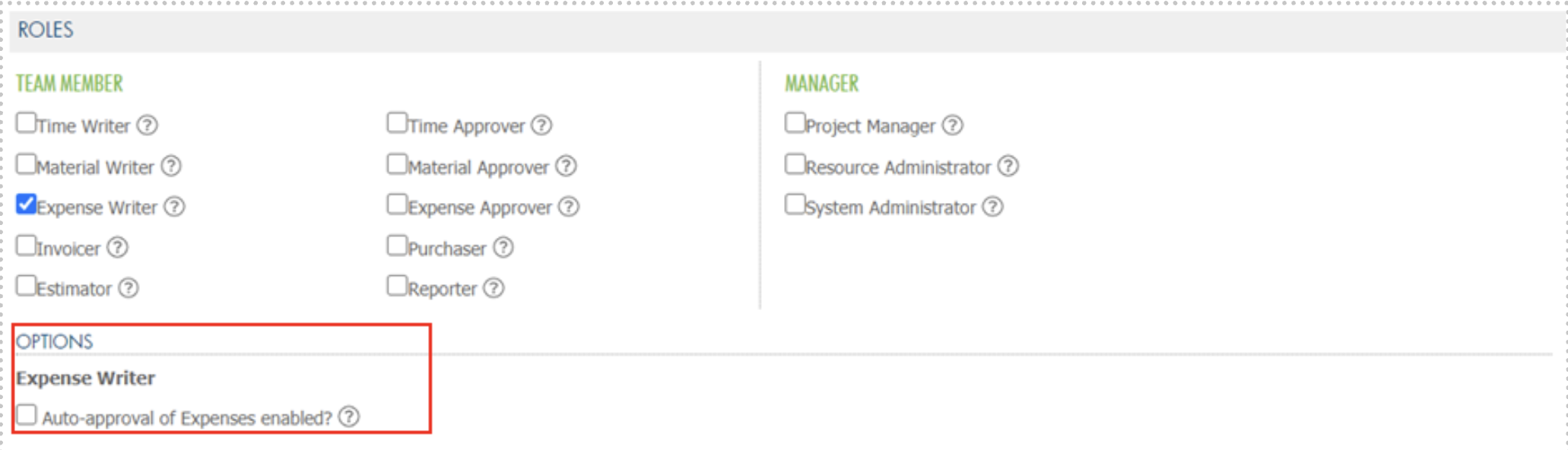
Expense Writer
Auto-approval of Expenses enabled?: If enabled, users Expenses will not be subject to approval.
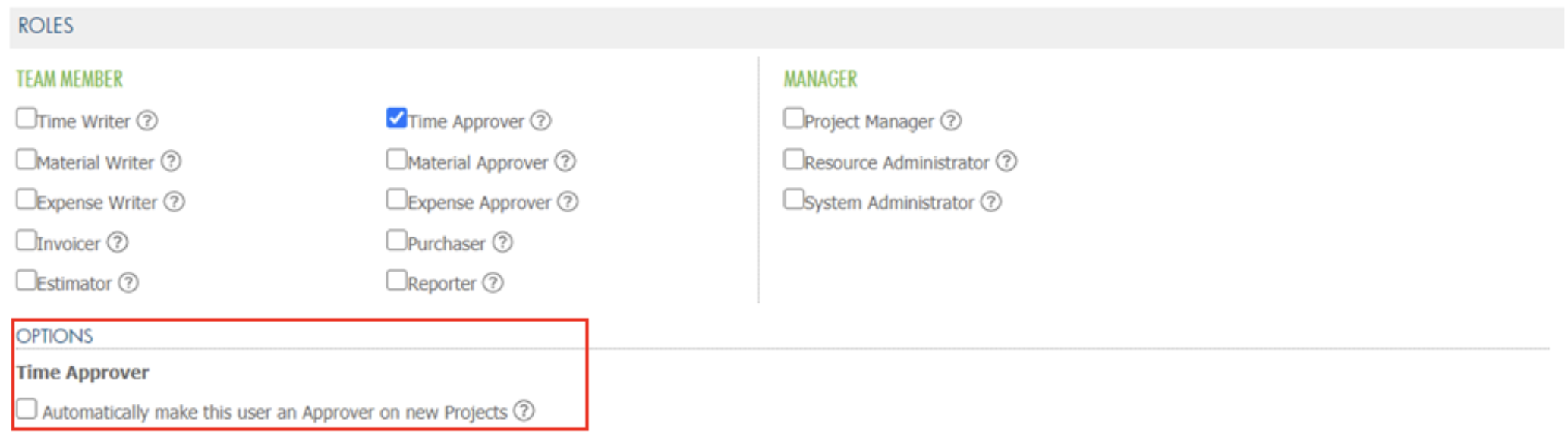
Time Approver
Automatically make this user an Approver on new projects: If enabled, this user will be automatically selected as an Approver on all new projects. If required, this user can be manually deselected as Approver on an individual project.
Estimator:
Automatically make this user a Peer Estimator on new quotes: If enabled, this user will be automatically selected as a Peer Estimator on all new quotes. If required, this user can be manually deselected as Peer Estimator of an individual quote.
Purchaser
Material Item Archiver: A user who can archive material items.
API Access:
TidyWork offers API connections with other software's. You can control whether a user has access by checking “Allow API Access”:
Related Guides
Want to learn more? Check out these related guides